FREE WI-FI QR CODE GENERATOR
Your Wi-Fi.
One scan away.
Create a free Wi-Fi QR code from your network name and password. Download it, print it, and let guests scan to connect—no app or sign-up needed.
01 / Your network
WiFi Details
Add the details your guests need to connect.
Your network details stay in your browser while you create your code.
Your QR Code
PNG / SVGDetails changed. Generate a new code before downloading.
Your next great connection.
Add your network details to create a scannable QR code.
Your password never leaves your browser. All processing is done locally.
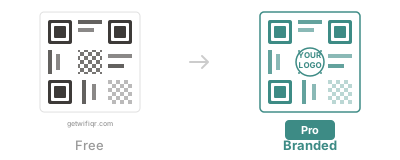
- Custom QR Colors
- Add Your Logo
- High-Resolution Export
- Print-Ready PDF & ZIP Bundle
- Custom QR Colors
- Add Your Logo
- High-Resolution Export
- Print-Ready PDF & ZIP Bundle
How It Works
Create your WiFi QR code in seconds
Enter WiFi Details
Fill in your network name and password
Generate QR Code
Click the button to create your code
Download & Print
Save as PNG or SVG and print it
Guests Scan & Connect
Anyone can scan and connect instantly
GOOD WI-FI. GREAT FIRST IMPRESSIONS.
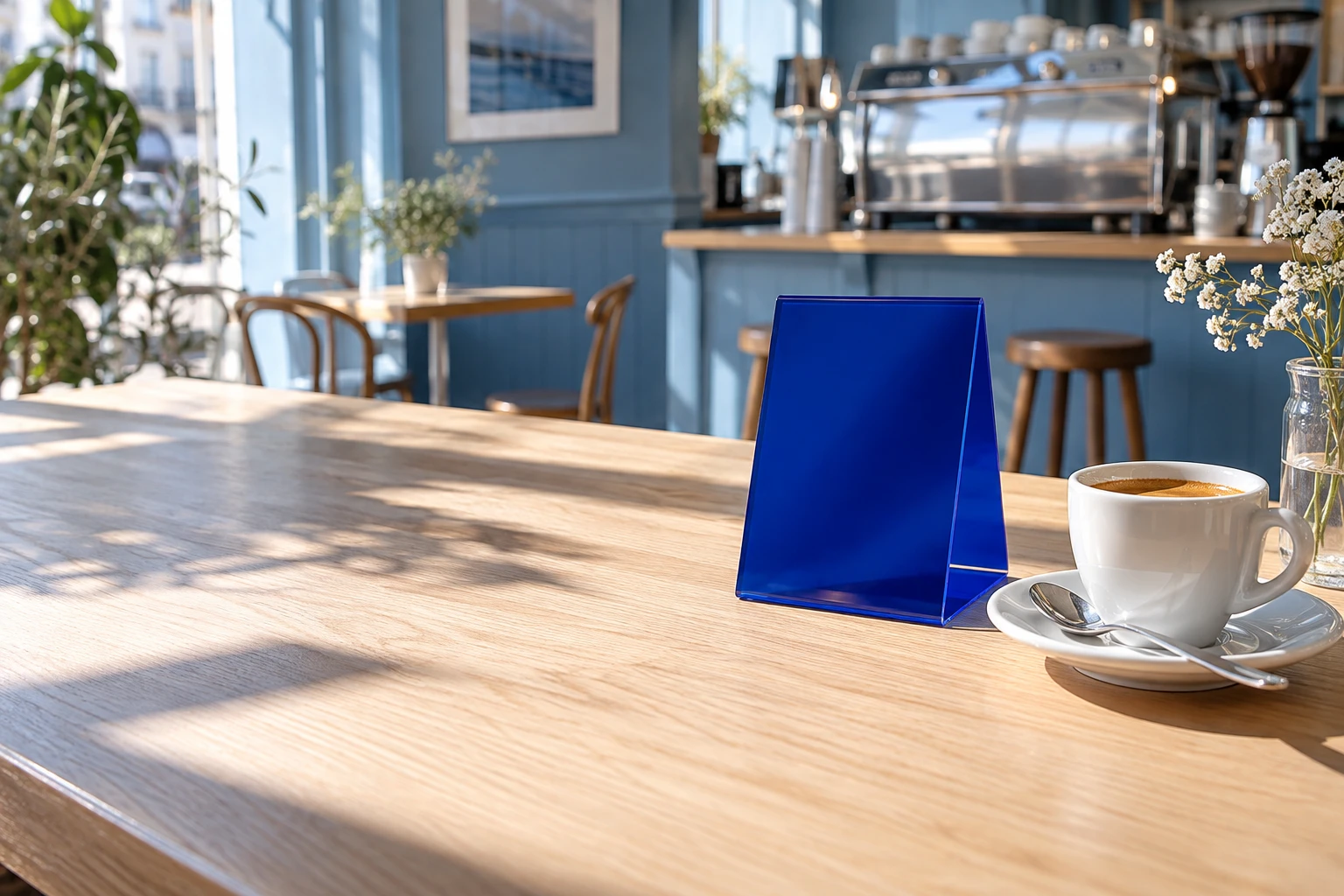
Looks right at home.
Choose a ready-to-print design that belongs in your space.
FOR PEOPLE WHO MAKE PEOPLE FEEL WELCOME
Be the host. Not the help desk.
From the first coffee to the last check-in, a little scan leaves more time for the things that matter.
Frequently Asked Questions
Is this free to use?
Basic Wi-Fi QR generation is free, with no sign-up required. Optional Pro features add branding, customization, and export tools.
Is my WiFi password safe?
Absolutely. Your password never leaves your browser. All QR code generation happens locally on your device - we never see or store your credentials.
What devices can scan WiFi QR codes?
Most modern smartphones can scan WiFi QR codes directly with their camera app. iPhone users need iOS 11 or later, and Android users need Android 10 or later.
What security types are supported?
We support WPA/WPA2/WPA3 (most common), WEP (legacy), and open networks with no password.
Can I use this for my business?
Yes! WiFi QR codes are perfect for restaurants, hotels, Airbnb rentals, offices, and any place where you want to share WiFi access easily.